

 Digital Transformation

 Technical Strategy Services
 Foundational Strategy Services
 Information Architecture
 Content Experience & Strategy
 Bitrix24 For Business Automation
 Software Development
 Custom Application Development
 Mobile Application Development
 E-commerce Development
 Website Development
 UI/UX Audit of Site Usability
 Website Technical Support
 Digital Marketing
 Marketing Automation Services
 Search Engine Optimization (SEO)
 Content Marketing & Copywriting
 Paid Search & PPC Management
 Social Media Marketing
 Email Marketing Services
 Research
 Brand Health Research
 Analysis of Brand Competitors
 Target Audience Analysis
 Testing of Design and Concept
 Analytics Setup & Data Analysis
 Foundational Strategy Services
 Information Architecture
 Content Experience & Strategy
 Bitrix24 For Business Automation
 Custom Application Development
 Mobile Application Development
 E-commerce Development
 Website Development
 UI/UX Audit of Site Usability
 Website Technical Support
 Marketing Automation Services
 Search Engine Optimization (SEO)
 Content Marketing & Copywriting
 Paid Search & PPC Management
 Social Media Marketing
 Email Marketing Services
 Brand Health Research
 Analysis of Brand Competitors
 Target Audience Analysis
 Testing of Design and Concept
 Analytics Setup & Data Analysis

 Expertise Overview
 Digital Transformation
 Software Development
 Digital Marketing
 Research
 Products Overview
 Solutions Overview
 Real Estate CRM
 Hospitals CRM & Bookings
 Retail Digital Transformation
 Marketing Automation
 Tasks & Projects
 HR Automation
OUR SUPPORT BOARD SYSTEM
Manage all conversations and users in a shared area and forget everything else. From here on out, it's just you and the customer – happily connected by Support Board.
FREE DEMO
IMPROVE SUPPORT EFFICIENCY
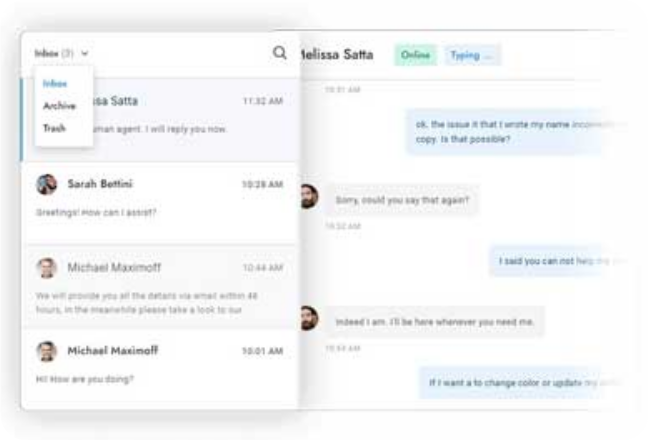
Manage Conversations
Easily manage your conversations in one place with our user-friendly interface. Search for conversations, delete messages, view users’ online status and see when they are typing in real time.
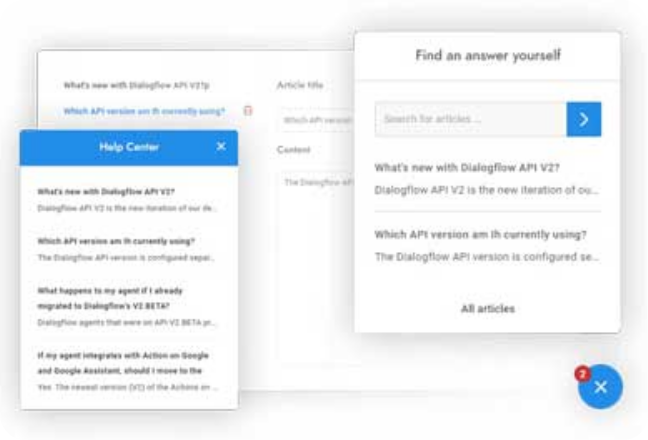
Knowledge Base Articles
Provide faster help for customers and fewer questions for your agents with the integrated multilingual knowledge base. Create a help center area accessible from a dedicated page or within the chat in a few minutes.
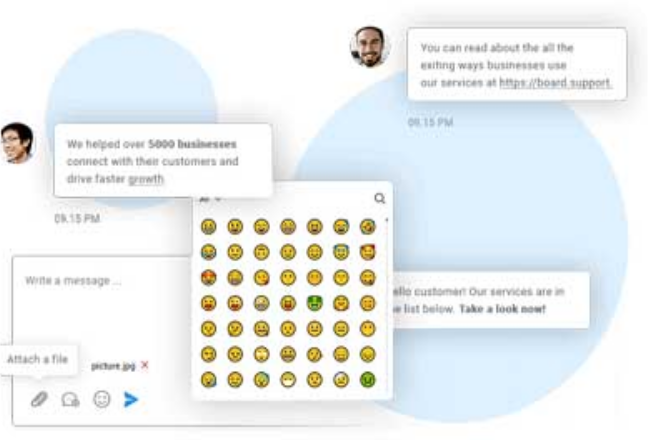
Message Editor
Create the perfect message by using 3000+ emojis and by formatting the text with Slack-inspired markup syntax. Surprise your users with custom HTML messages, and attach media and files in just one click..
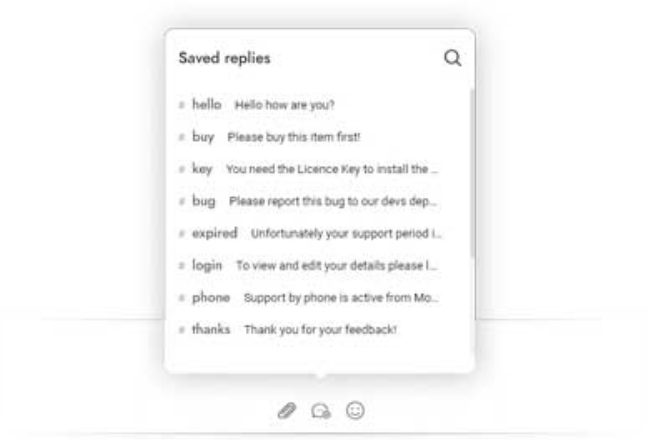
Saved Replies
Save precious time and avoid the headache of having to repeat the same tasks. With saved replies, you won't have to type the same messages over and over. You can also save Rich Messages and custom content.
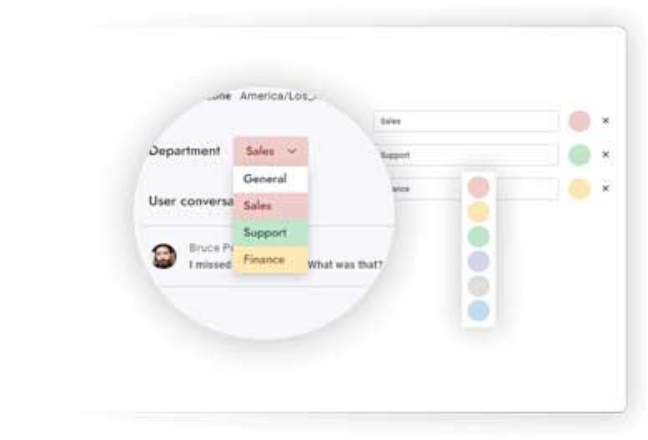
Departments
Organize conversations and assign departments to agents. Transfer rules so that your conversations will always land in the right hands. Route conversations and send department – specific email notifications.
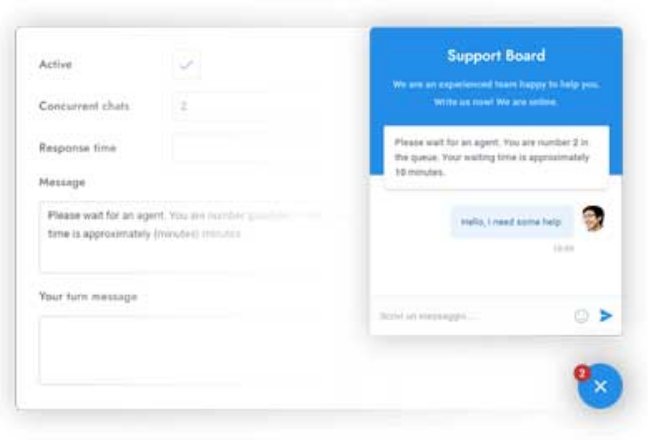
Real-time Queue
Notifies visitors of their position in the queue and waiting time in real-time. Automatically distribute the conversations among all available agents and set concurrent chats limit.
Email Piping
Use piping to reply to user messages from your email inbox and convert emails to tickets. Users can reply to agents by email as well! Setting this feature up does not require any server-side configuration
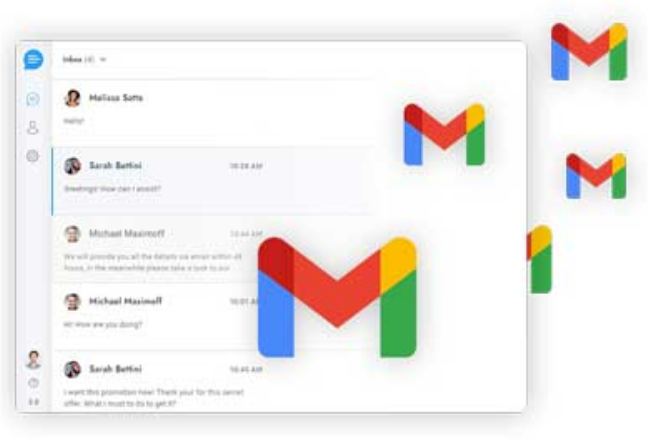
Omni-Channel Experience
Send and reply to WhatsApp messages, Facebook messages, Telegram messages, text messages, emails, tickets, and chat messages in Support Board. Save time with communication that happens in one place.
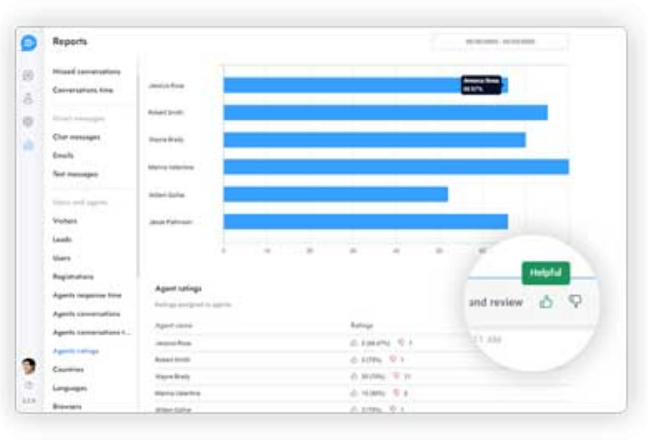
Agent Ratings
Gather feedback on your customers' live chat experiences and use lessons learned to improve customer service. Check your agents' ratings and send post-chat messages.
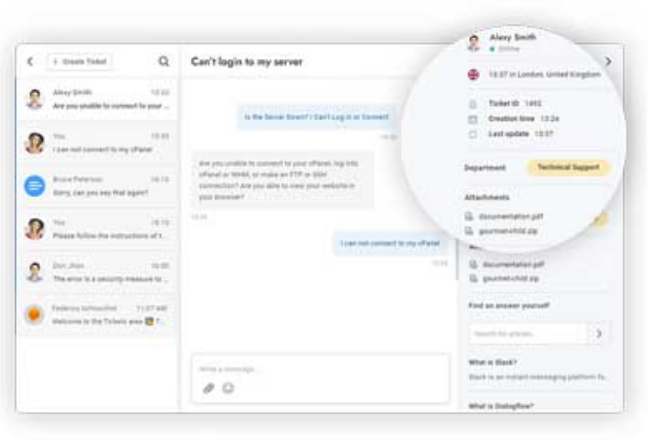
Tickets
Offer your customers immediate help from a single interface by embedding customer ticket areas throughout your website. This feature requires the Tickets app.